AI Receipt Scanner & Expense Tracker
Snap a receipt, extract tax line items via OCR, recover VAT, and export accountant-ready reports. Local-first. No bank login.


Why Choose Portmoneo?
Smart OCR Capture
Document capture on the phone (ML Kit) plus cloud OCR for vendor, line items, tax, and totals.
Smart OCR Capture →Spending Analytics
Category charts, merchant trends, and period filters grounded in your captured expenses.
Spending Analytics →

Privacy Without Bank Sync
Local-first storage, biometric lock, no bank login. Cloud AI reads the receipt; nothing is linked to your bank.
Privacy Without Bank Sync →Offline & Sync
Log expenses offline. Your local database syncs when you reconnect.
Offline & Sync →
Guides for receipts, deductibles and tax
Practical walkthroughs, no fluff: how to scan, what to deduct and how to export for your accountant.
Self-Employed Tax Deductions: What You Can Claim | Portmoneo
Learn which business expenses self-employed people typically deduct, why records matter, and how to keep them export-ready for your accountant.
Tax Receipt Checklist: What to Keep and How Long to Keep It
Use this tax receipt checklist to capture the right details, keep receipts legible, archive them digitally, and know how long to retain records.
Best Receipt Scanner App: Compare the 4 Main Types
Looking for the best receipt scanner app? Compare the four main types, check the free limits, and pick a tool that exports data your accountant can open.
More Powerful Features

Purchase Q&A
Ask the intelligent assistant about your spending (BETA, daily quotas).

Tax Recovery
VAT and deductibility KPIs across 12 jurisdictions.
Privacy First
No bank sync. No bank credentials. You own your expense data.
Export Data
CSV on Free; PDF and Excel on Premium.
Local-First Architecture
Your local expense database lives on the phone. Cloud AI handles analysis when you scan or chat.

Tax Ready
Organize deductible receipts for your accountant.
Frequently Asked Questions & Support
What is Portmoneo?
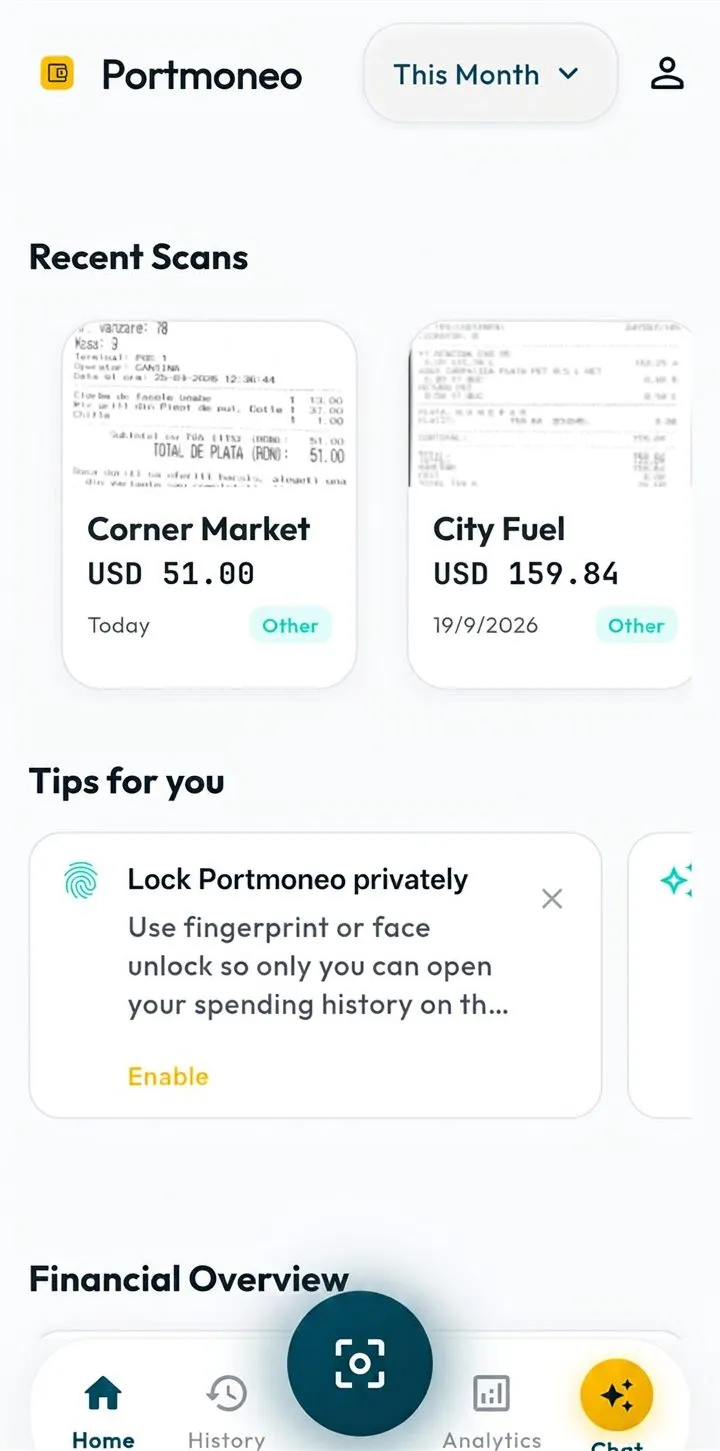
Portmoneo is an Android receipt scanner and expense tracker for freelancers and self-employed people. You capture receipts with the camera scanner (ML Kit capture/crop), cloud AI extracts vendor, line items and tax, then you track expenses, recover VAT, ask questions about your spending and export reports.
How does document capture work?
You capture with the ML Kit camera scanner or import from gallery/PDF. Cloud AI analyzes the image and returns vendor, date, total, currency, line items and tax. Results land in your local expense database. You need a network connection for AI analysis.
Is my financial data secure and private?
Your expense database is local-first on the phone. We never ask for bank logins. Document analysis and chat use cloud AI when you scan or chat. Optional sync keeps devices in sync. Biometric lock is available in settings.
Can I use Portmoneo offline?
Yes for logging and browsing expenses already on the device. Cloud document parsing and chat need connectivity. Changes queue and sync when you are back online.