
Integrations & Workflows: Making Your Expense Data Portable
In 2026, apps shouldn't be data silos. Learn how Portmoneo fits into your existing workflows through powerful exports and lightweight connectors to Notion, Zapier, and more.
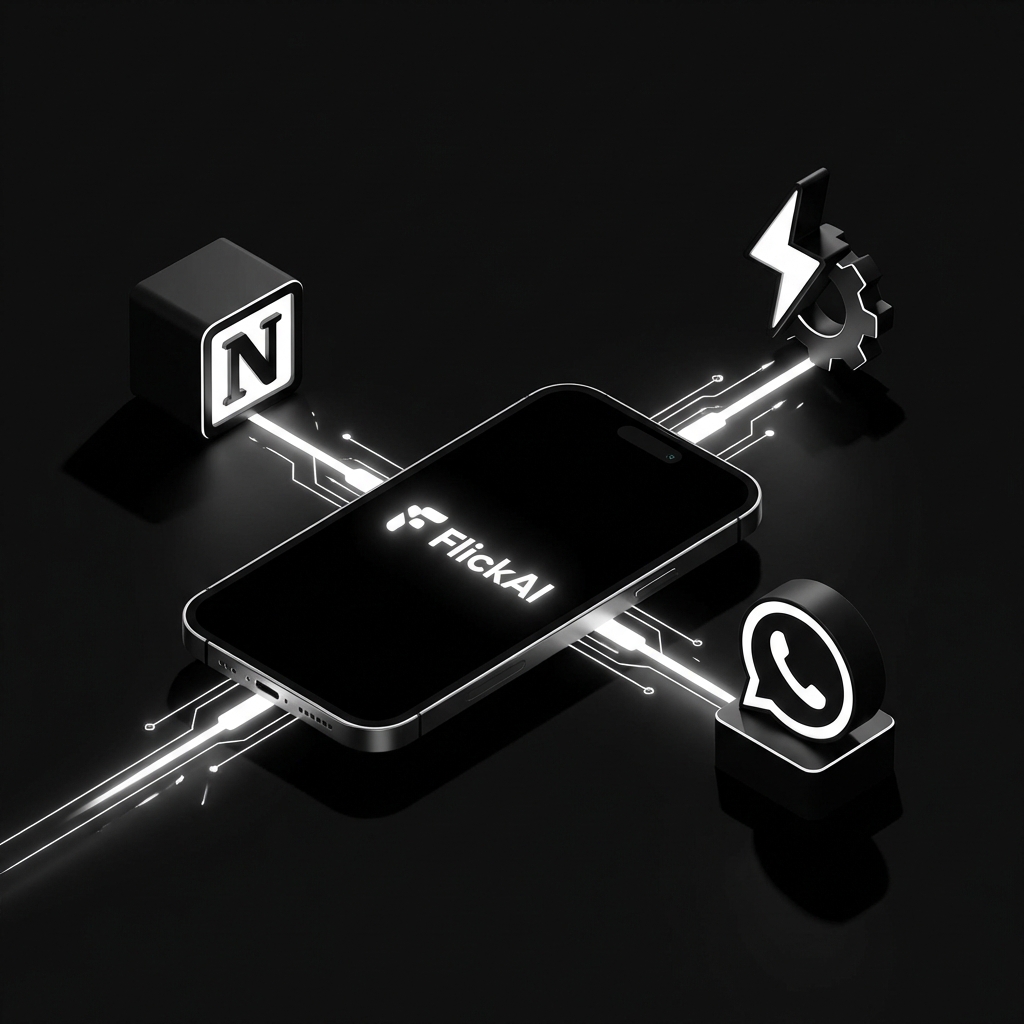
Portmoneo was built on a simple premise: your financial data should belong to you, not the app you use to capture it. As a powerful Notion expense tracker and automation tool, we ensure your financial information is always where you need it. In an era where “walled gardens” are the norm, we’ve taken a different path. We believe that the value of an expense tracker is measured by how easily its data can flow into the tools you already use to manage your life and business.
Whether you’re a freelancer reporting to an accountant, a business owner syncing with a cloud dashboard, or a personal finance enthusiast building the ultimate Notion workspace, Portmoneo is designed to be the missing link in your productivity chain. Using a Notion expense tracker shouldn’t be hard, and we make it seamless.
The Philosophy of Portable Data
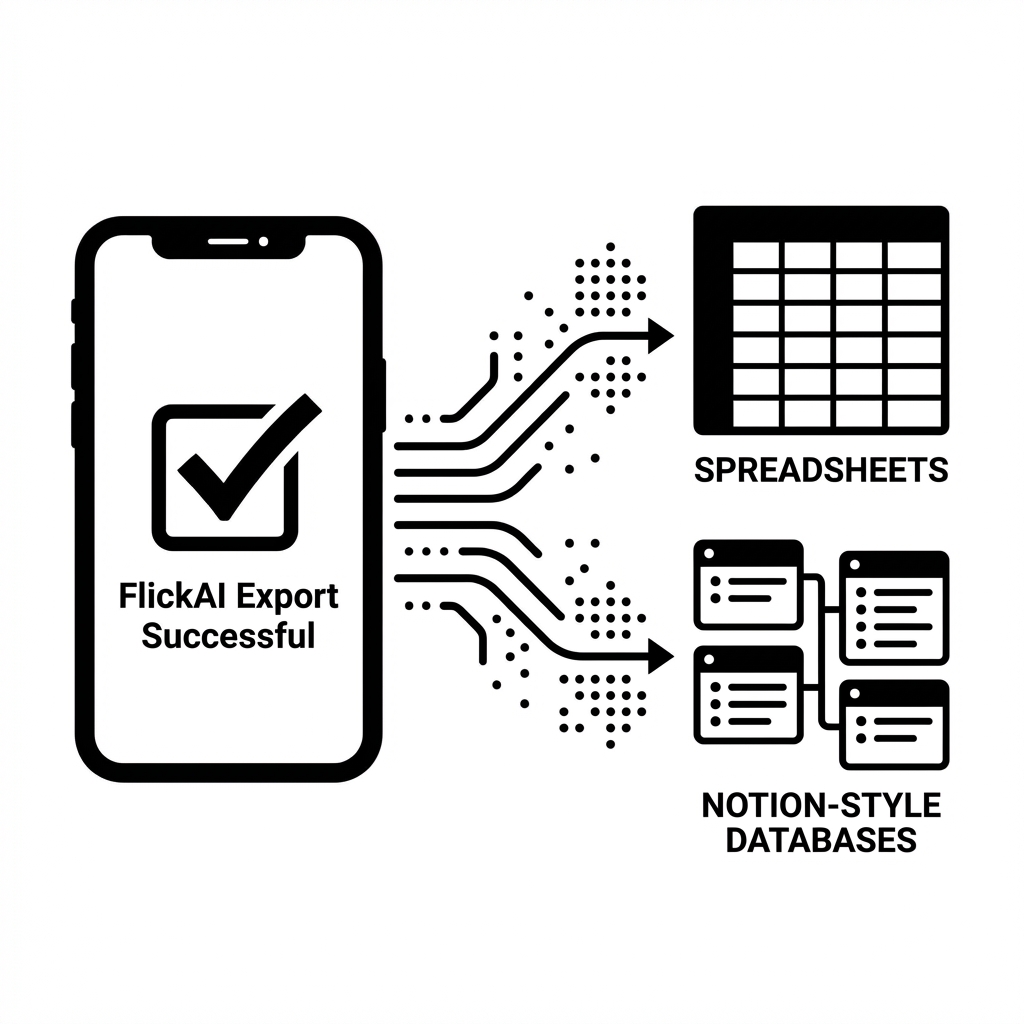
Static data is dead data. Most receipt scanners lock your information inside their own proprietary formats, making it almost impossible to switch tools or perform advanced analysis. Portmoneo breaks this cycle by prioritizing Portable Data.
We don’t just “show” you your expenses; we prepare them for your next move. Every scan you perform is processed by our AI to create highly structured data points ready for immediate export. This means when you hit ‘Export’, you aren’t just getting a raw text dump—you’re getting a professionally formatted dataset that external tools can read without manual correction. This consistency makes Portmoneo the ideal Notion expense tracker companion.
By focusing on export-grade data from the moment of capture, we ensure that your workflows remain uninterrupted. You scan in seconds, and your dashboard updates in real-time.
| Feature | Portmoneo | Standard Scanners |
|---|---|---|
| Notion Export | Dedicated CSV/Excel | None/Manual |
| Zapier Support | Lightweight Hooks | Complex Setup |
| Mobile Sharing | System Share Sheets | App-only |
| Data Privacy | Local-first AI | Cloud Required |
Empowering Your Notion Expense Dashboard

Notion has become the operating system for thousands of people’s lives. However, its biggest weakness has always been manual data entry. Entering receipts one-on-one into a Notion database is a recipe for burnout.
Portmoneo changes the game by acting as a high-speed input for your Notion workspace. By using our structured Excel and CSV exports, you can bulk-import an entire month’s worth of expenses into your Notion databases in a single click. This makes managing your Notion expense tracker a breeze.
Imagine opening your Notion dashboard and seeing it populated with precise data: merchant names, tax breakdowns, and even specific line items—all without typing a single word. This is the power of a Portmoneo-driven workflow.
Automating the Mundane with Zapier
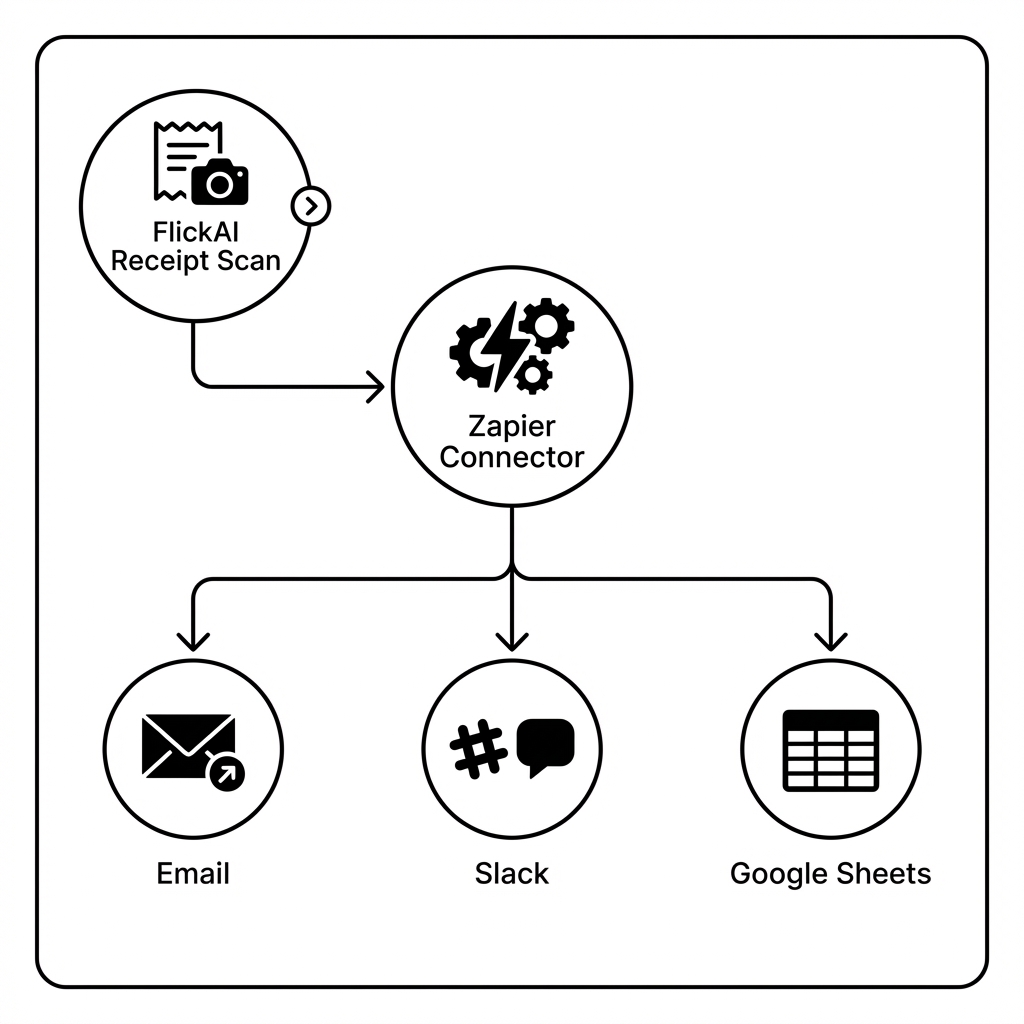
For those who want to “set it and forget it,” the combination of Portmoneo and Zapier is a powerhouse. Using our lightweight connectors and export hooks, you can automate almost every post-scan routine.
Need to notify your business partner every time you scan a business dinner receipt? Automated. Want to auto-create a task in your project management tool whenever a “Pending” expense is detected? Simple.
By leveraging Zapier, Portmoneo moves beyond being a simple app on your phone and becomes a trigger for your entire business ecosystem. This automation doesn’t require a degree in computer science—our export formats are designed to be “Zap-ready,” ensuring that data mapping is intuitive and reliable. It’s the perfect way to sync your Notion expense tracker with other apps.
Sharing via WhatsApp: Collaborative Finance

Sometimes the most important “integration” isn’t with a complex software suite, but with a person. Whether it’s sharing a business expense with a partner or sending a digital receipt copy to your accountant, communication is key.
Portmoneo integrates deeply with system share sheets, making it a one-second task to send a formatted report or a high-resolution receipt image via WhatsApp, Telegram, or Email.
Because our captures are crystal clear and our data is structured, the person receiving your share doesn’t have to struggle to see blurry photos. They get the data they need, exactly how they need it. Many users use this to update their shared Notion expense tracker database even faster.
The Local-First Advantage for Privacy
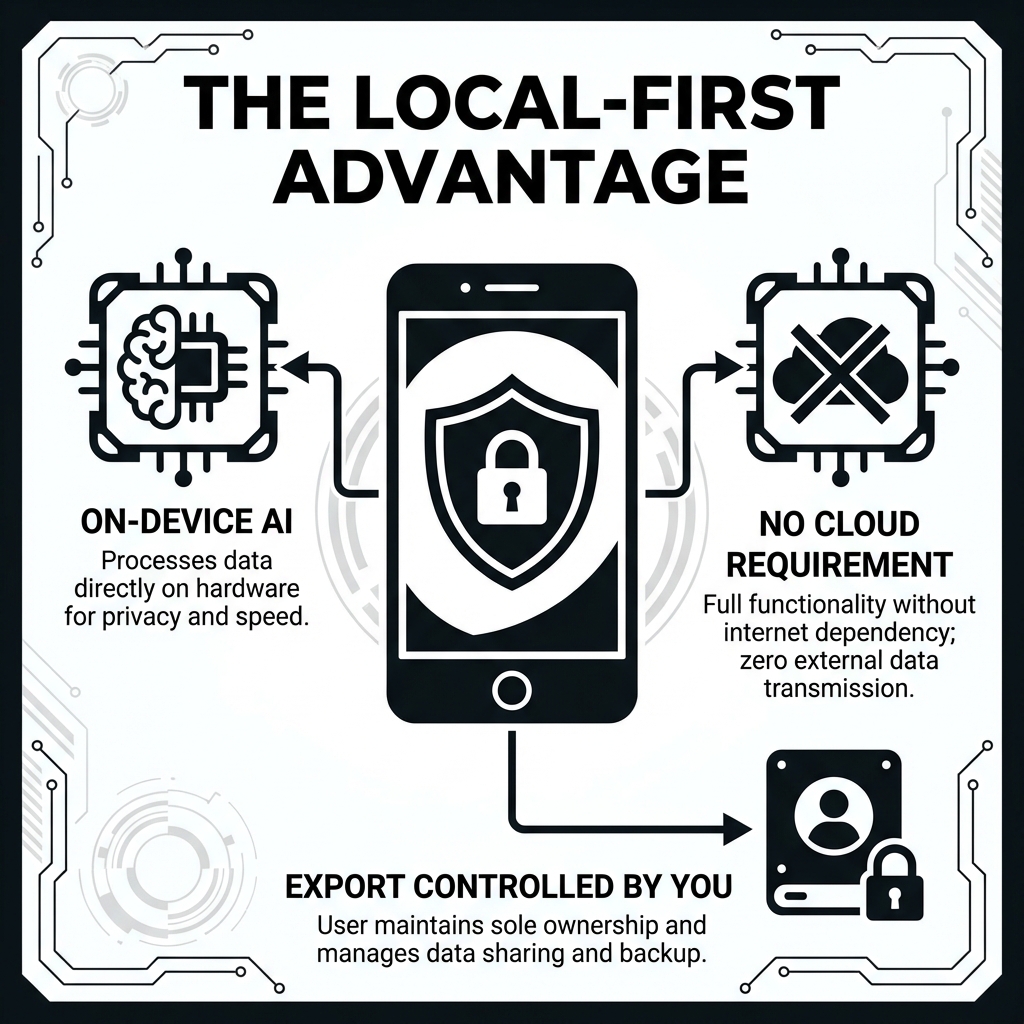
In 2026, privacy is not just a feature—it’s a requirement. Most integrations on the market require you to sync your sensitive financial data to a third-party cloud before you can export it.
Portmoneo is different. Our Local-first architecture means that the heavy lifting—AI extraction and Excel generation—happens right on your device. Your data never has to touch our servers unless you choose to sync it.
This local-first approach ensures that when you integrate Portmoneo into your workflow, you aren’t sacrificing security for convenience. You get the best of both worlds: high-power automation with total local control over your Notion expense tracker data.
Building Your Own Custom Workflows
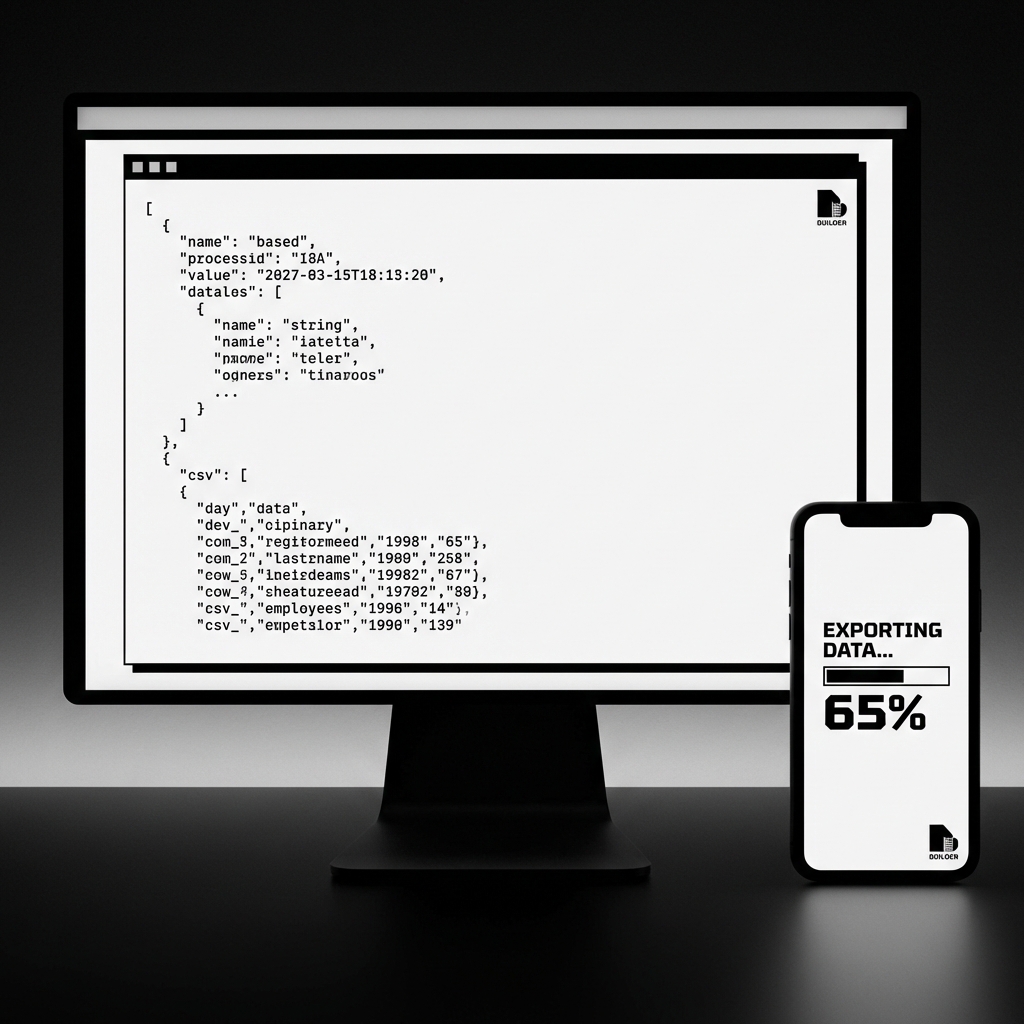
For power users and developers, Portmoneo provides the raw materials to build anything. Our exports are designed with standardized schemas that follow global accounting trends. This makes it trivial to write your own scripts or use “No-Code” tools to build custom pipelines.
Whether you’re building a custom tax recovery calculator or a proprietary business intelligence tool, Portmoneo’s data is the high-quality fuel you need. Our export expenses CSV Excel functionality makes this possible, while our hooks for automated expense management and WhatsApp receipt sharing ensure a truly integrated experience.
Frequently Asked Questions (FAQ)
How do I export Portmoneo data to Notion?
Simply use the “Export to CSV” or “Export to Excel” feature within Portmoneo. Once you have the file, you can use Notion’s native “Merge with CSV” feature to populate your expense database instantly. It is the fastest way to use a Notion expense tracker.
Does Portmoneo support direct Zapier integration?
Portmoneo provides standardized export formats and lightweight hooks that are fully compatible with Zapier’s processing tools. You can use Zapier to pick up these files and trigger thousands of different actions.
Can I share receipts via WhatsApp without saving them to my phone?
Yes. Portmoneo uses the system share sheet, allowing you to send receipt data and images directly to any contact on WhatsApp or Telegram without cluttering your personal photo gallery.
Are the data exported by Portmoneo compatible with QuickBooks or Xero?
Absolutely. Our Excel and CSV exports follow standard accounting structures, making them easy to map to major accounting platforms like QuickBooks, Xero, or FreshBooks.
Conclusion: Stop Managing, Start Integrating
The days of manual expense management are over. The future is about integrated ecosystems where tools talk to each other, and manual labor is replaced by AI-driven precision.
By choosing Portmoneo, you aren’t just getting a receipt scanner. You’re getting a powerful workflow engine that respects your time, your data, and your privacy.
Ready to see how Portmoneo can transform your productivity? Export your first report today and see the difference a portable data approach makes for your Notion expense tracker.