Offline Expense Tracking: Your Disconnected Finance Checklist
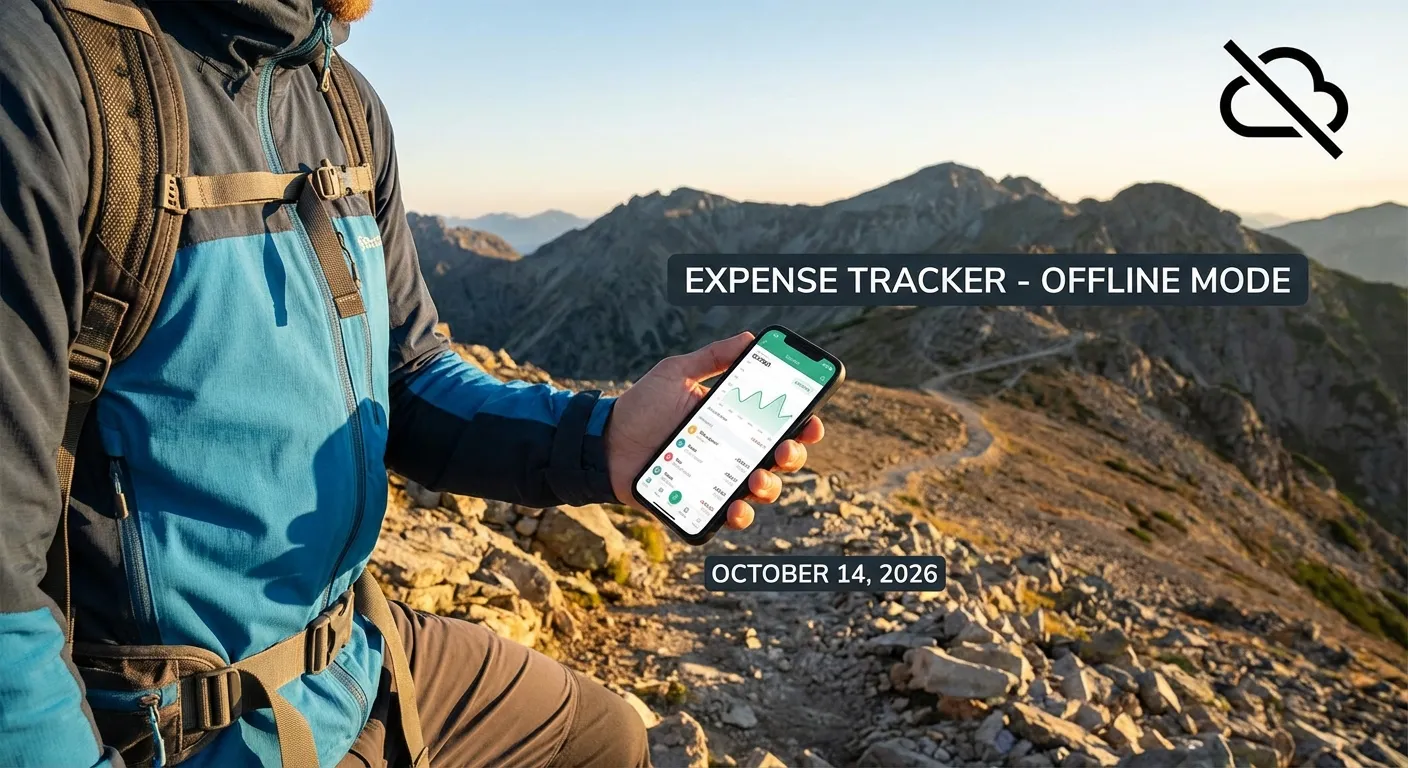
What is Offline Expense Tracking and Why Does It Matter?
Direct Answer: Reliability anytime, anywhere. Offline tracking lets you log expenses without internet, ensuring you never miss a receipt on flights or in remote areas. It also boosts privacy by keeping data local.
In today’s hyper-connected world, we often take constant internet access for granted. However, for professionals, digital nomads, or anyone traveling to remote areas, reliable connectivity is far from guaranteed. This is precisely where robust offline expense tracking becomes essential, not just a convenience, for your overall finance management. It ensures you can accurately capture every single expense the moment it happens, even when completely disconnected. You won’t need Wi-Fi or cellular data.
Offline tracking prioritizes reliability, offering peace of mind through instant capture. Imagine never losing a vital receipt simply because your internet connection failed. With an effective offline system, you capture everything immediately and store it securely on your device. You can then sync when you’re ready, on your own terms. We’ve observed this approach to be fundamental for maintaining accurate finance records, streamlining reimbursements, and gaining full control over your spending. It proves essential even when completely disconnected. Understanding these steps is like having a reliable checklist for your disconnected finance needs.
How Can You Master Offline Expense Tracking Effectively?
Direct Answer: Test fast, categorize consistently. Verify your app works in airplane mode, use standard categories for speed, review weekly, and back up data regularly. Simplicity breeds consistency.
To truly master no internet expense tracker workflows, a systematic approach is key. This checklist provides actionable steps. It ensures your expenses are always accounted for, regardless of your connectivity status.
How Do You Verify Offline Capture Functionality?
Direct Answer: The Airplane Mode test. Turn off connections and scan a receipt. If it saves locally and syncs later, you’re safe. If it errors out, switch apps.
Before you embark on your next trip or low-signal adventure, confirm that your chosen expense tracking tool or method operates flawlessly without an internet connection. Many modern expense apps feature an “offline-first” design, allowing you to enter details, attach photos of receipts, and categorize spending without a live data connection.
In our testing, putting a device into airplane mode is the most reliable way to simulate no connectivity. Try to log an expense: Does it save? Does it allow receipt uploads? A good offline expense tracker will store all this data locally on your device, queuing it for synchronization once a connection is re-established. Always have a physical backup, like a small notebook or a dedicated folder for paper receipts, just in case.
How Should You Standardize Expense Categories?
Direct Answer: Use broad buckets. Labels like “Meals,” “Travel,” and “Supplies” are easy to tap quickly offline. Consistent naming makes tax time and analysis effortless later.
Consistency is paramount for accurate financial reporting and analysis. Before you start tracking, establish a clear, standardized set of categories for your expenses. Common categories often include:
- Travel: Flights, train tickets, car rentals, public transport
- Meals: Business meals, personal meals while traveling
- Accommodation: Hotels, Airbnb, other lodging
- Supplies: Office supplies, project-specific materials
- Mileage: Vehicle use for business purposes
- Miscellaneous: Small, infrequent expenses not fitting other categories
Standardizing your categories ensures that when you’re entering expenses offline, you can quickly and accurately assign them. This prevents future confusion and makes compiling reports for tax purposes or business reconciliation significantly easier. Consider sub-categories, such as “Client Lunch” versus “Team Dinner” within “Meals,” for finer detail.
Why Are Weekly Expense Reviews Important?
Direct Answer: To catch gaps early. Reviewing synced data weekly ensures no offline entry was lost or duplicated. It keeps your records audit-ready and prevents small errors from compounding.
Even with the best tracking system, small errors can creep in. A consistent weekly review of your recorded totals helps catch discrepancies early. This practice is crucial for maintaining accurate financial hygiene and preventing minor issues from escalating.
During your weekly review, compare your tracked expenses against bank statements (once synced), credit card statements, or your physical receipts. Look for:
- Missing entries: Did you forget to log a coffee or a taxi ride?
- Incorrect amounts: Were there any data entry errors?
- Wrong categories: Was that “Travel” expense actually “Meals”?
- Potential fraud: Are there any charges you don’t recognize?
Regular reviews reinforce good habits and ensure your travel expense tracker offline records are always precise and ready for reporting. For more on the importance of meticulous record-keeping, consult official resources like the IRS.gov guidelines.
How Do You Securely Back Up Offline Expense Data?
Direct Answer: Export to stay safe. Regularly save CSV or PDF reports to a local drive. Relying solely on app sync is risky; having your own copy guarantees data ownership.
Your offline expense data is invaluable, so treating it with care is essential. Regular exports serve as crucial backups and provide easily shareable records for your accountant, tax preparer, or internal finance department. This is vital for maintaining compliance and peace of mind.
Consider exporting your data in multiple formats:
- CSV (Comma-Separated Values): Ideal for spreadsheets, allowing your accountant to easily import and manipulate data.
- PDF: Good for a static, official record, especially useful for retaining copies of reports with attached receipts.
Beyond cloud synchronization, local backups (e.g., saving an exported file to an external hard drive or a secure personal cloud storage service) offer an additional layer of security. This practice ensures that even if something unforeseen happens to your primary device or software, your financial history remains intact and accessible. This step is particularly vital for business owners and freelancers who rely on meticulous record-keeping for tax compliance.
Frequently Asked Questions (FAQ) About Offline Expense Management
Why is an Offline Mode Critical for Expense Tracking?
Direct Answer: Accuracy & Speed. If you wait for Wi-Fi, you forget the receipt. Offline mode captures the truth in the moment, preventing memory gaps and lost paper.
Offline mode is critical because it eliminates dependency on internet connectivity, a luxury not always available. It prevents the frustrating experience of lost receipts and missing entries when you’re traveling internationally, in rural areas, on a subway, or simply experiencing poor Wi-Fi. It ensures that every single expense is captured at the point of transaction, providing complete and accurate records. For professionals on the go, it means peace of mind, knowing that their financial data is always being recorded, ready to sync when convenient and secure.
Can Offline Expense Tracking Enhance My Privacy?
Direct Answer: Yes. Local First = Private First. Your data isn’t traversing public Wi-Fi. You sync only when you are on a secure, trusted connection.
Yes, an offline-first workflow can significantly enhance privacy. By storing expense data locally on your device before it’s ever synced to a cloud server, you reduce the windows of opportunity for data interception and minimize unnecessary data sharing. You maintain greater control over your sensitive financial information, choosing precisely when and where your data is uploaded to the cloud (e.g., only on a trusted Wi-Fi network with a VPN). This approach empowers users who prioritize data security and prefer not to have their financial details constantly transmitting over various networks.
What is the Best Time to Sync Offline Expenses?
Direct Answer: When Secure. Use trusted Home/Office Wi-Fi. Avoid airport hotspots. Daily syncing is good practice to prevent data buildup.
You should sync your offline expenses when it is most convenient and secure for you. This often means waiting until you have access to a trusted and stable internet connection, such as your home Wi-Fi, a secure office network, or a connection enhanced by a Virtual Private Network (VPN).
Consider syncing:
- At the end of each day: A quick habit to ensure daily records are up-to-date.
- Weekly: During your dedicated expense review session.
- Upon returning from a trip: A consolidated upload of all travel expenses.
- Avoiding public Wi-Fi: While convenient, public networks can be less secure for sensitive financial data.
Syncing on your terms also helps avoid unexpected data charges when roaming internationally, allowing you to aggregate uploads until you’re on a cost-effective connection.
What Tools or Apps Support Robust Offline Tracking?
Direct Answer: Test them. Portmoneo, Expensify, and Zoho all claim it, but Portmoneo’s is “Offline by Default.” Put your phone in Airplane Mode and try scanning a receipt to be sure.
What Happens if My Device is Lost or Damaged Before Syncing?
Direct Answer: Local data is lost. This is the risk. Sync as soon as you hit secure Wi-Fi. Frequent syncing minimizes the “data gap” where loss can occur.
Is Offline Tracking Suitable for Large Businesses or Teams?
Direct Answer: Yes. Empower the edge. Let employees track autonomously in the field, then aggregate data centrally. It stops field teams from getting blocked by bad signals.
By embracing robust offline expense tracking practices, you empower yourself with unwavering financial control, regardless of your location or connectivity status. It’s a proactive approach to financial management that delivers accuracy, privacy, and peace of mind.